
MasTV.
A streaming-style player for your own M3U playlists and Xtream panels, built for the remote. No content included.
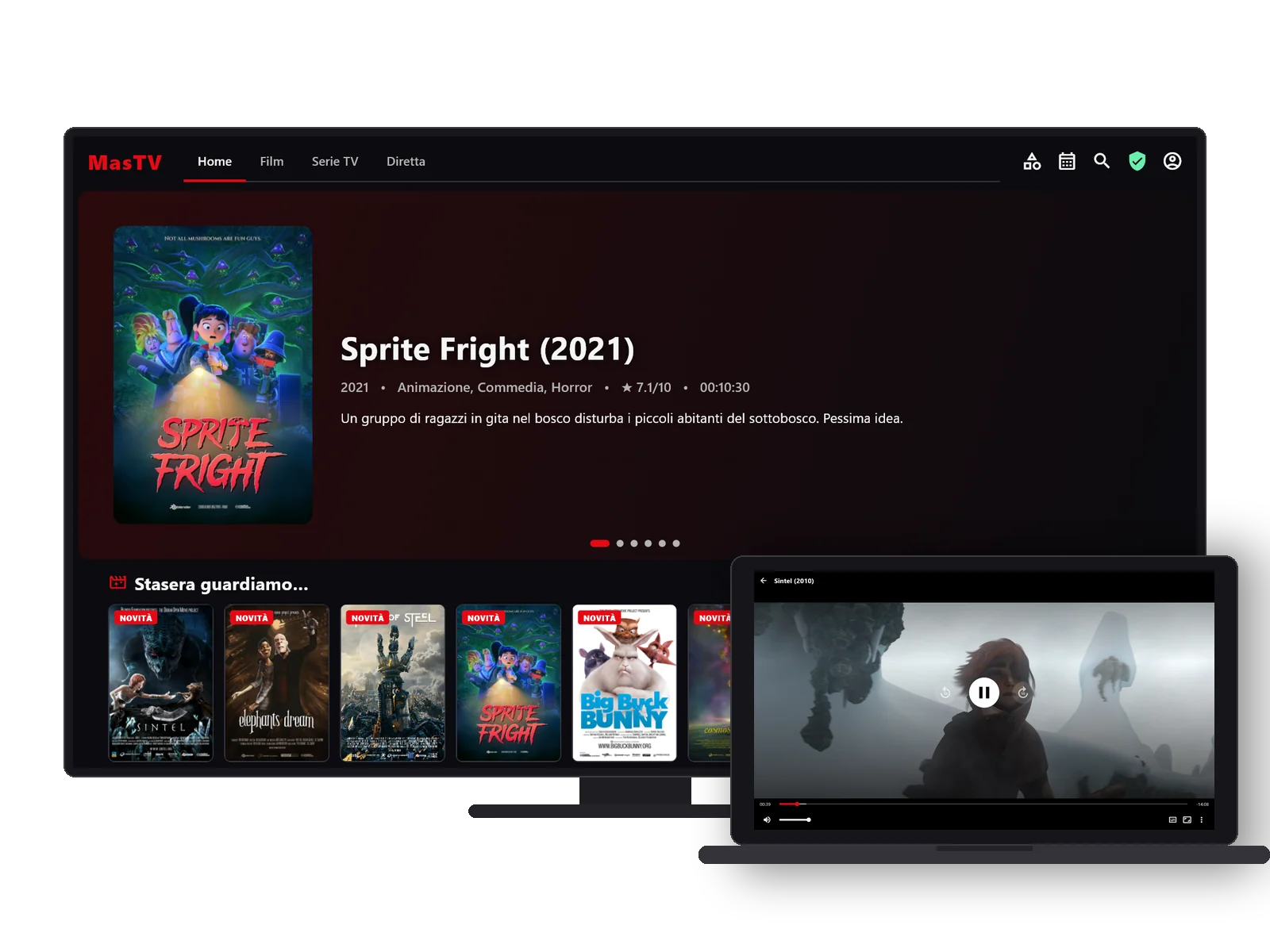
Gallery
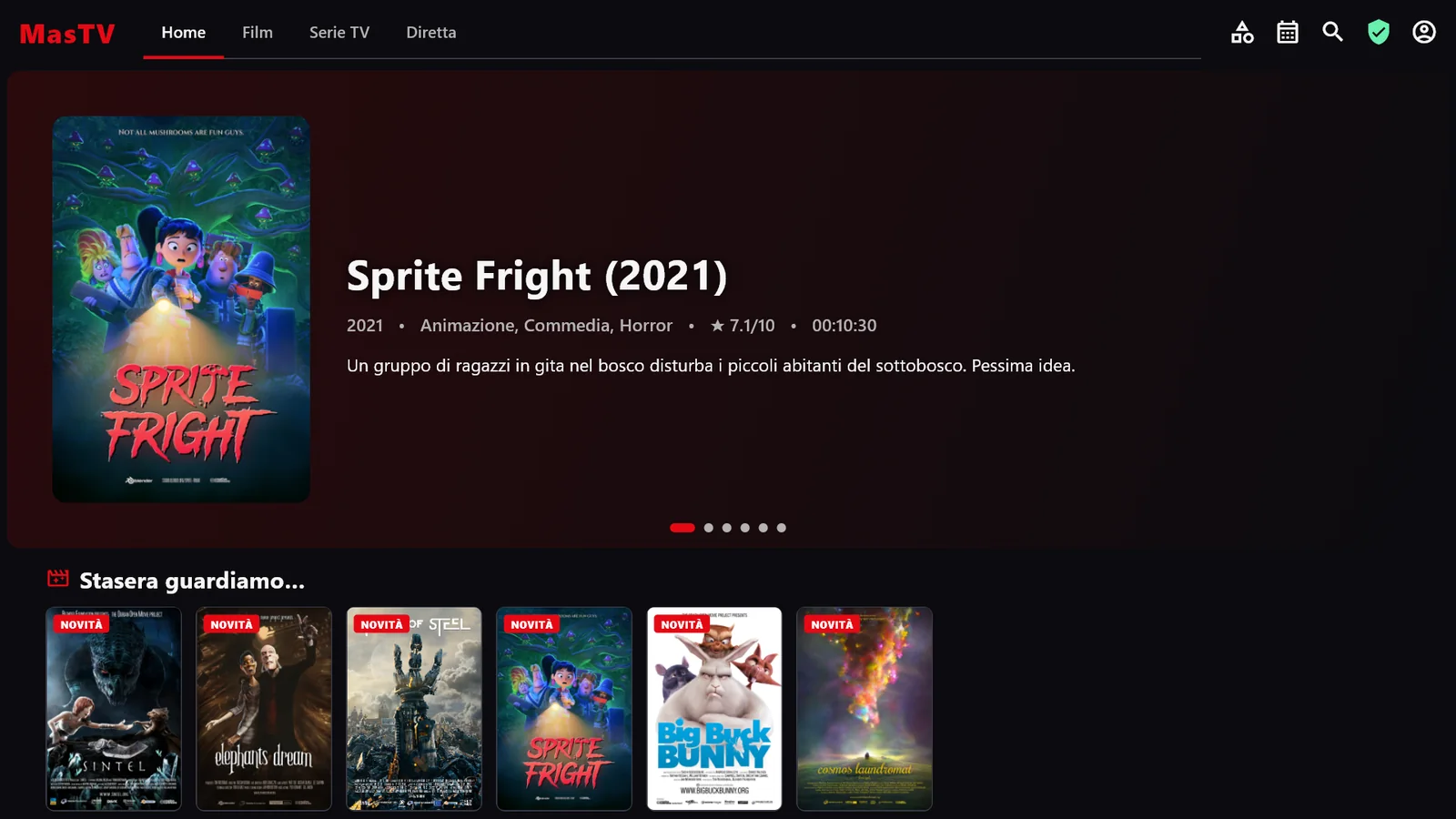
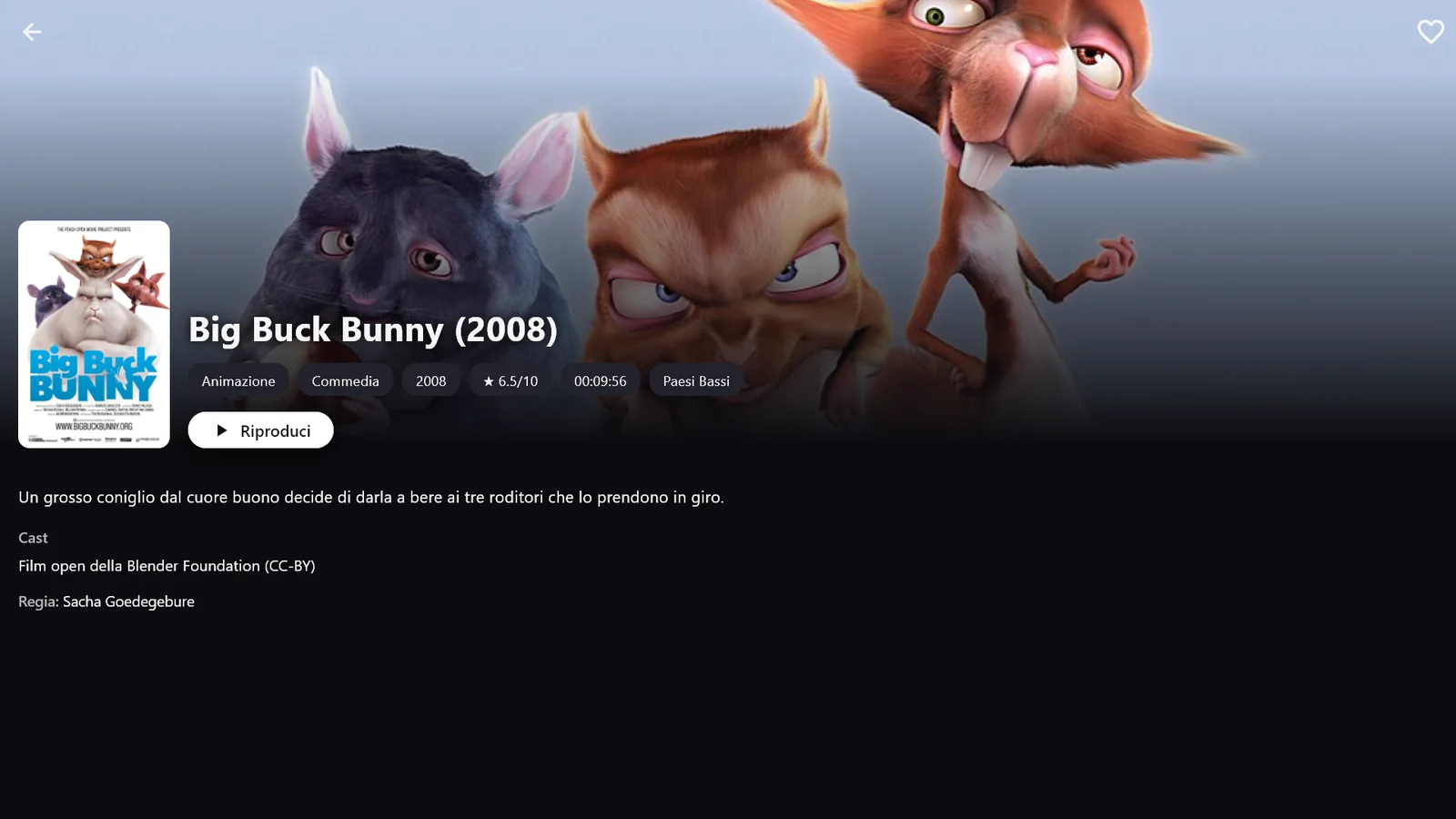
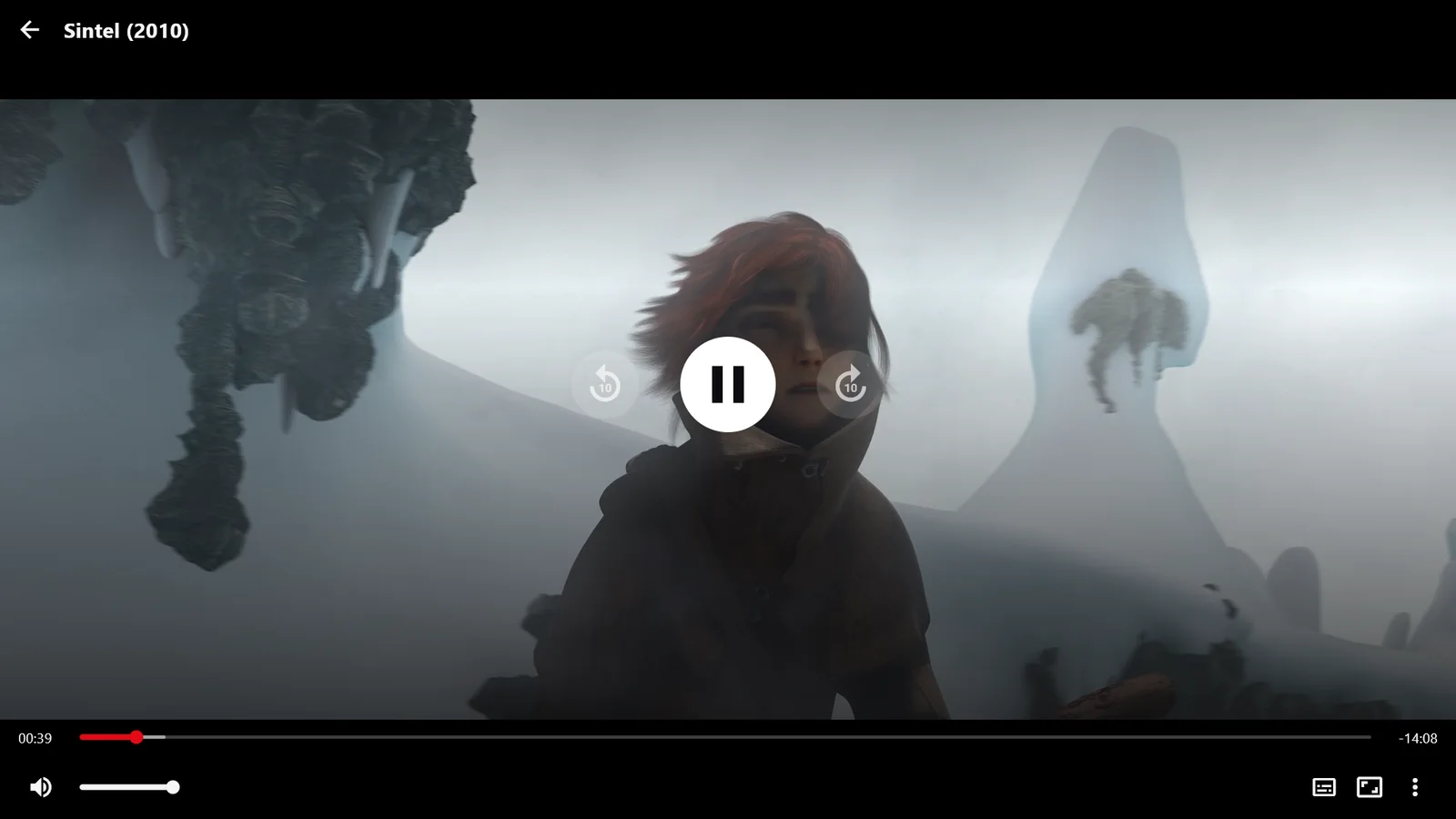
What MasTV does.
Your own playlists
M3U or M3U8 playlists, from a link or a file, and Xtream Codes panels. The programme guide comes from an XMLTV EPG or from the panel.
Streaming style
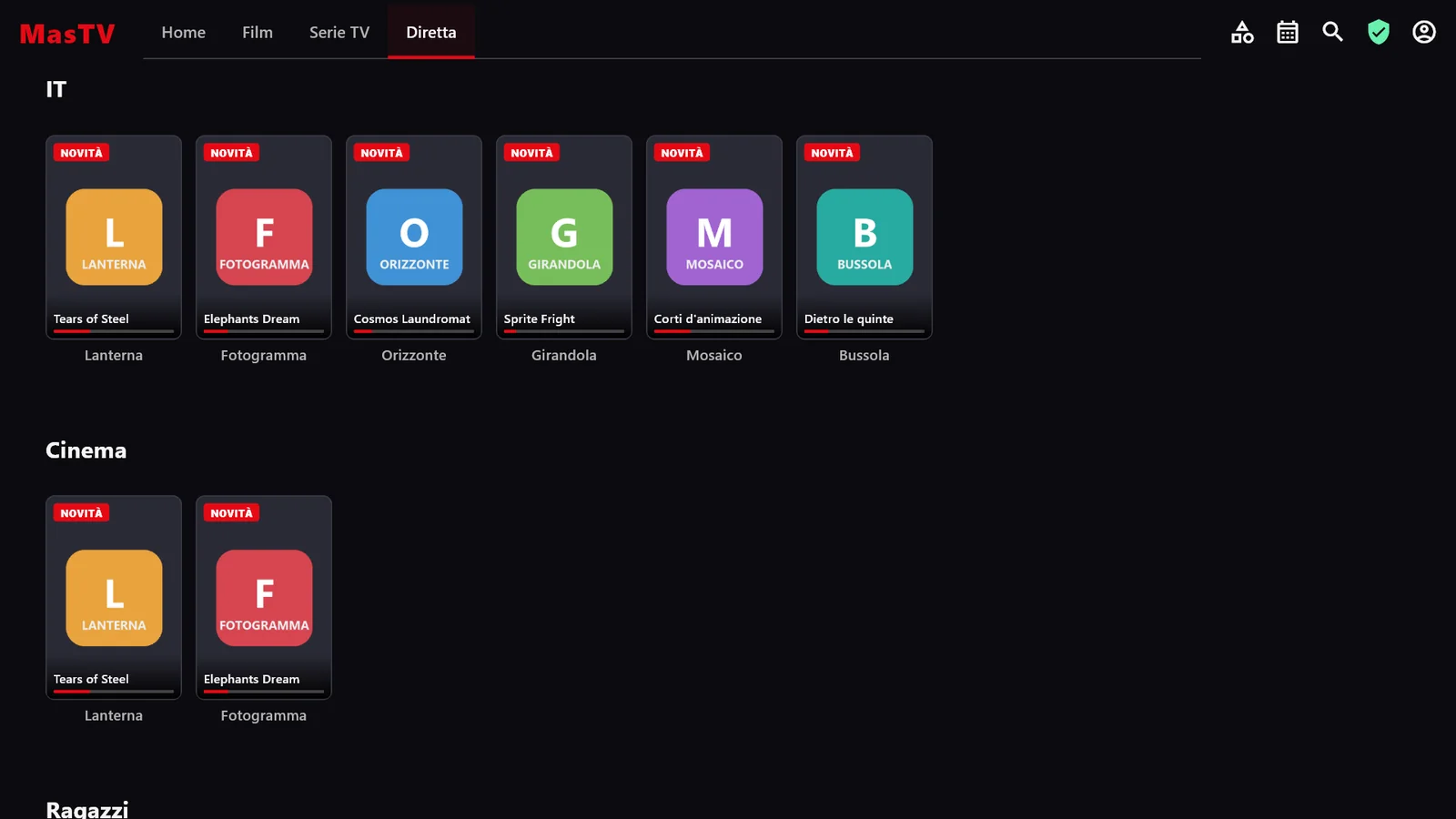
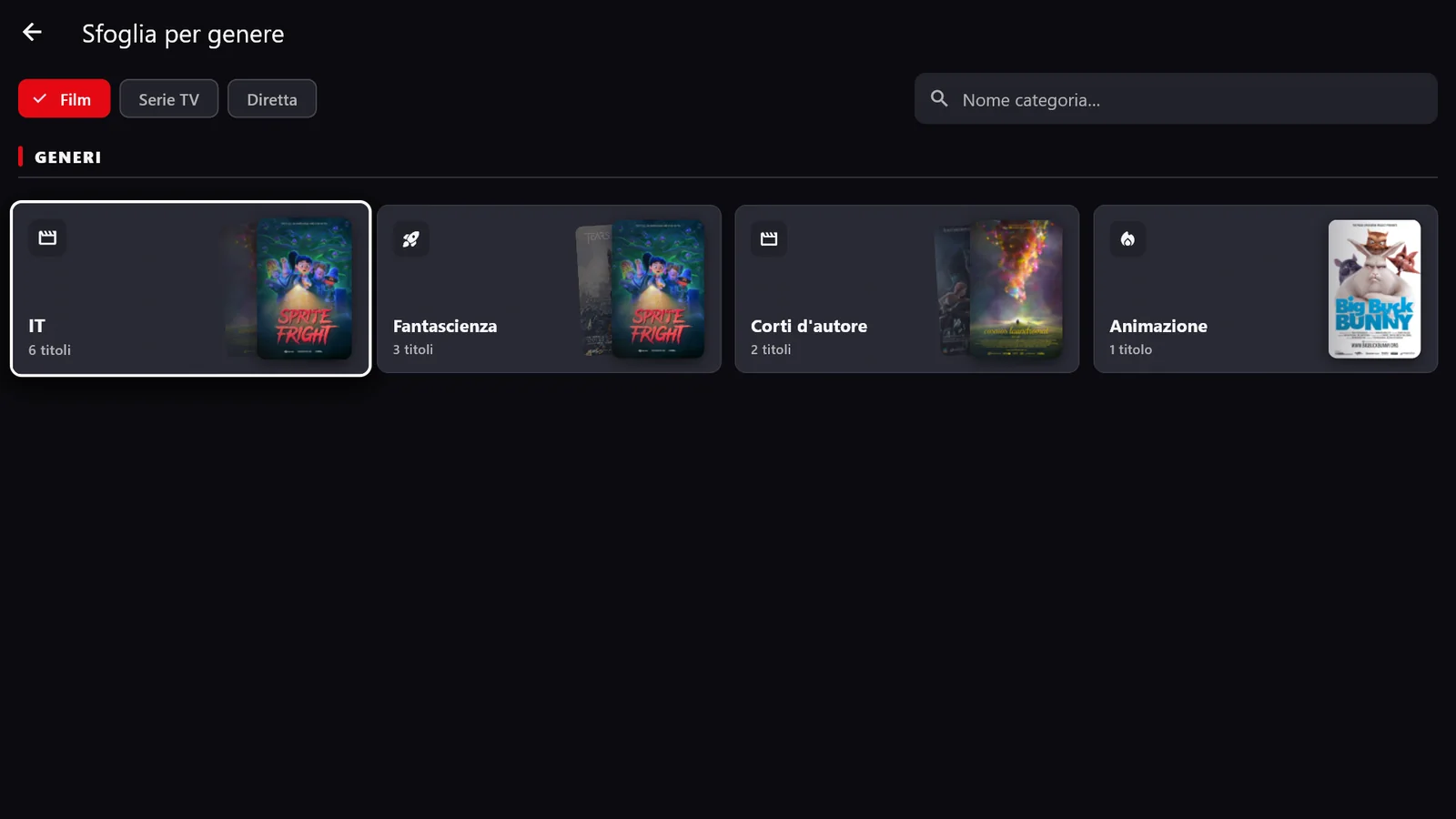
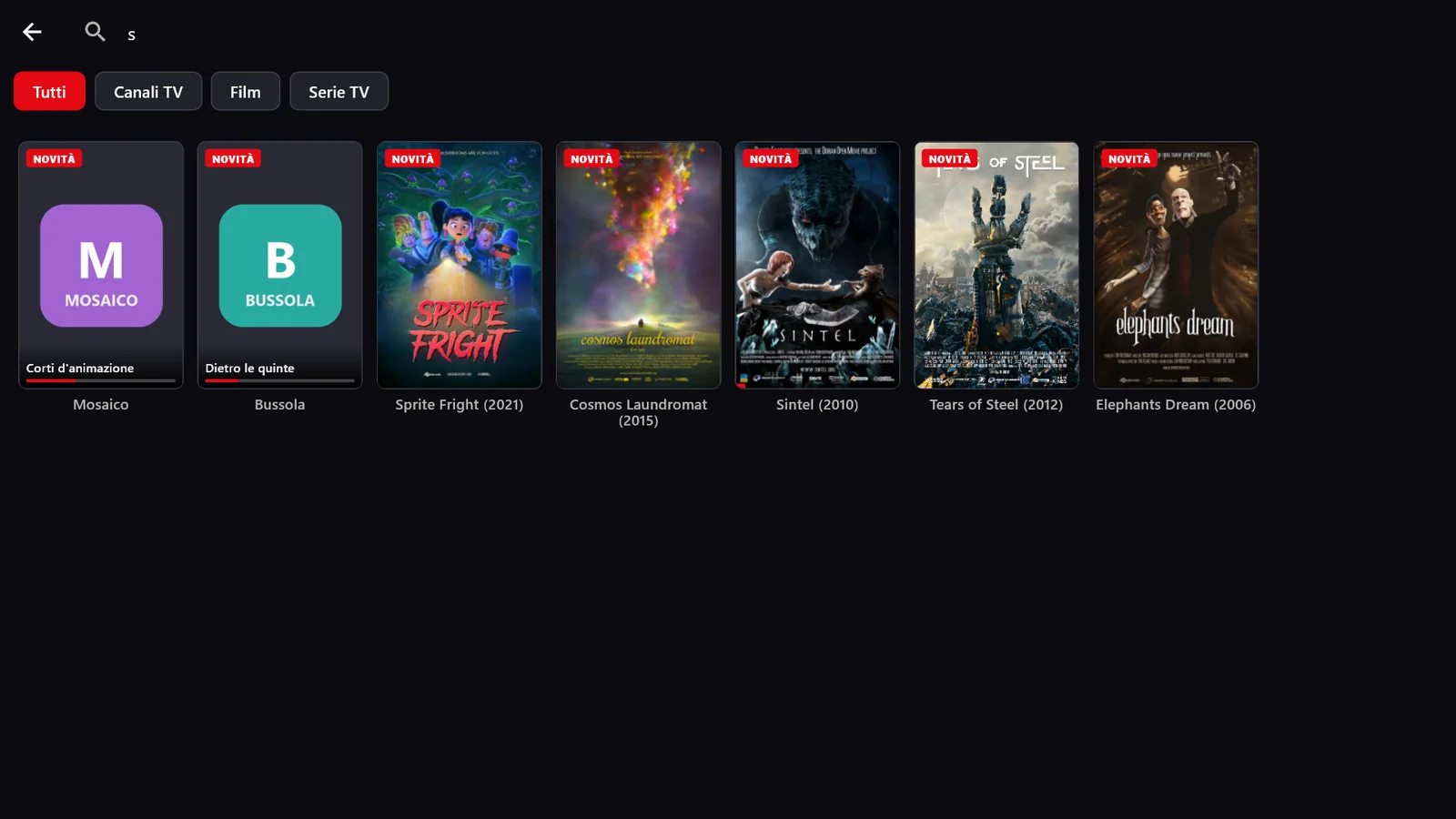
A home screen with a showcase and rows by category, separate movies, series and live TV, Continue watching, search and browse by genre.
TV guide
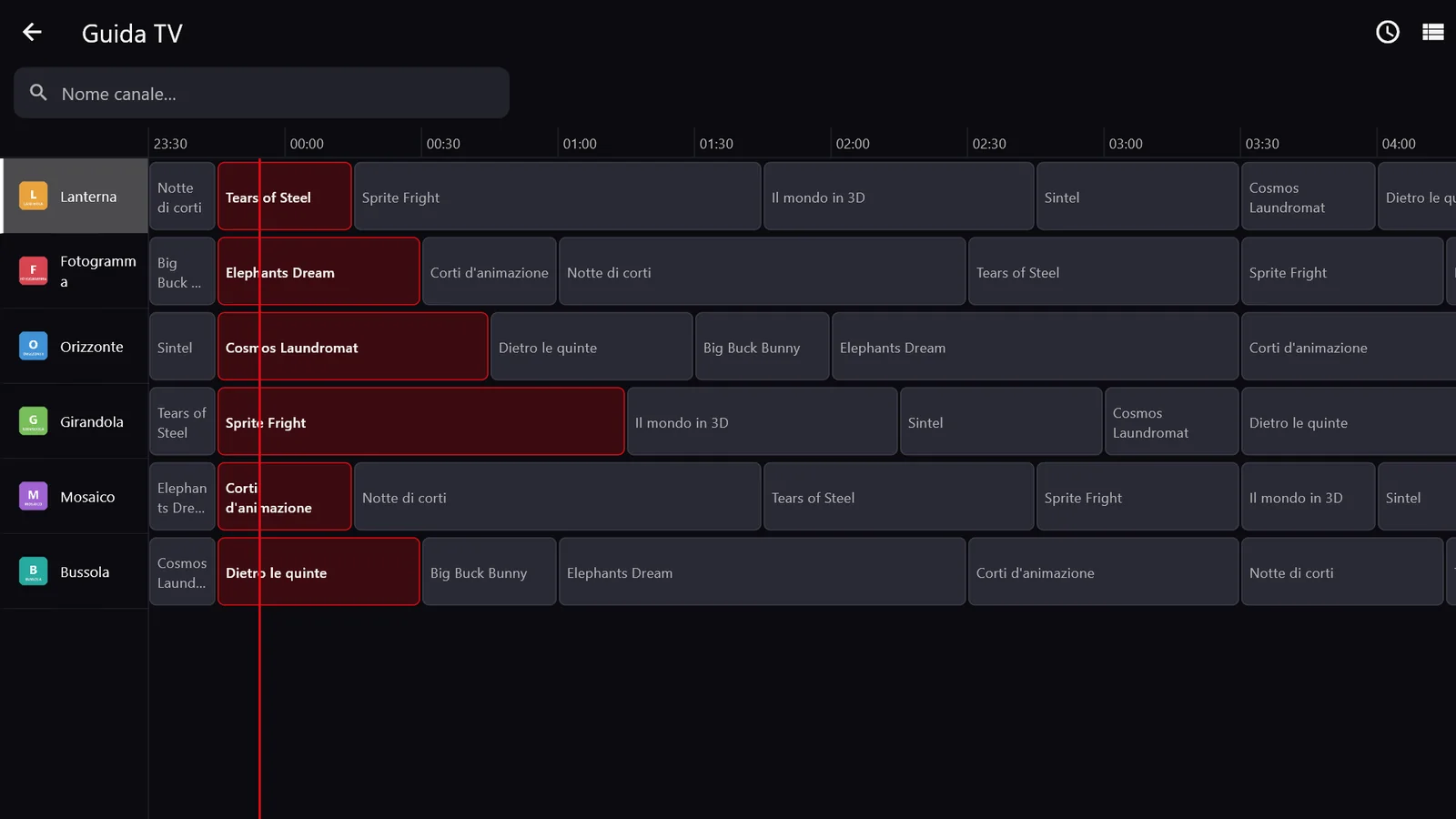
A programme grid with a now line, what is on for each channel and a time offset for panels that publish a shifted guide.
Built for the remote
On Fire TV everything works with the arrow keys: focus is always visible, ↑ and ↓ change channel, ← goes back to the last one. Touch, mouse and keyboard on phones and PCs too.
A player that holds up
Built on libmpv, with live pause, a sleep timer and, as a last resort, opening the stream in an external app such as VLC.
Family and multiple devices
Adult categories hidden behind a PIN. With the Pro plan, favorites and Continue watching follow you across phone, TV and PC, with a Google account or by linking the TV with a code.
The details.
- 01
Focus you can see from the sofa
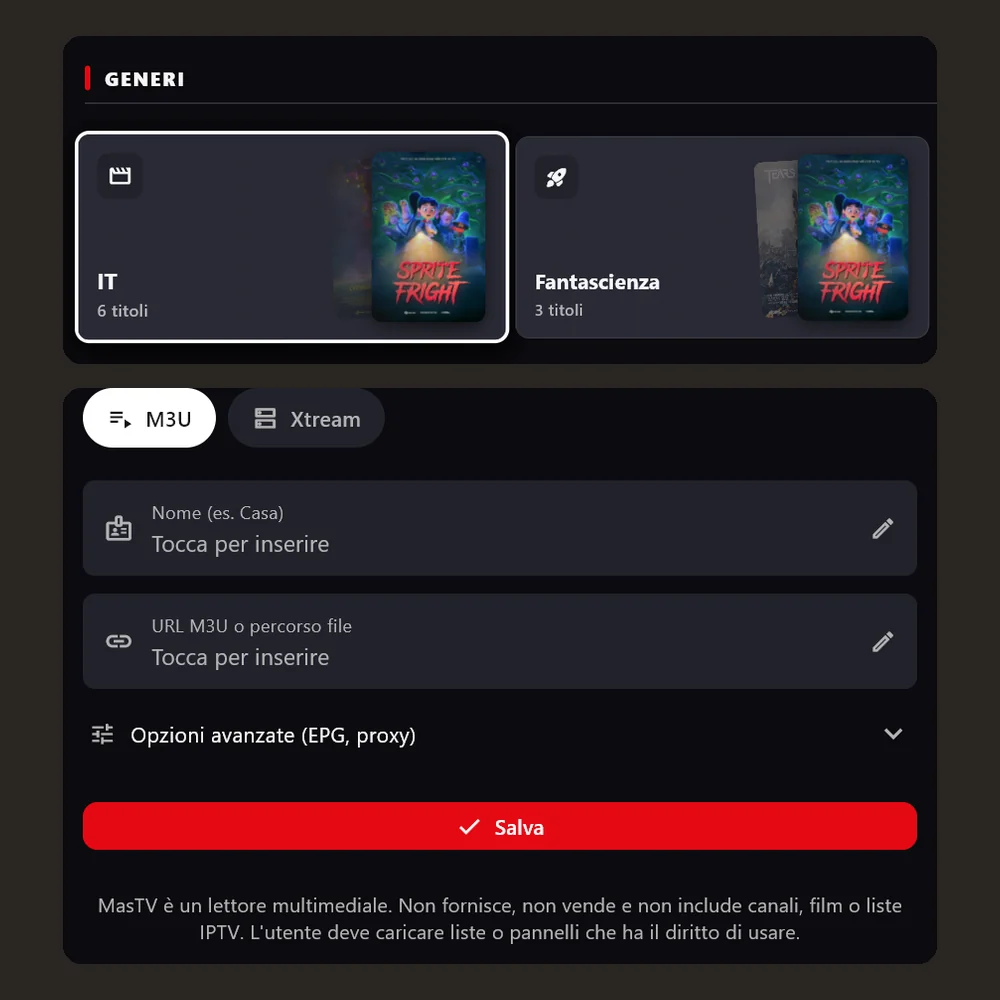
On content the focus is a white border with a slight zoom, on commands a white fill. Red never marks the focus.
- 02
M3U or Xtream
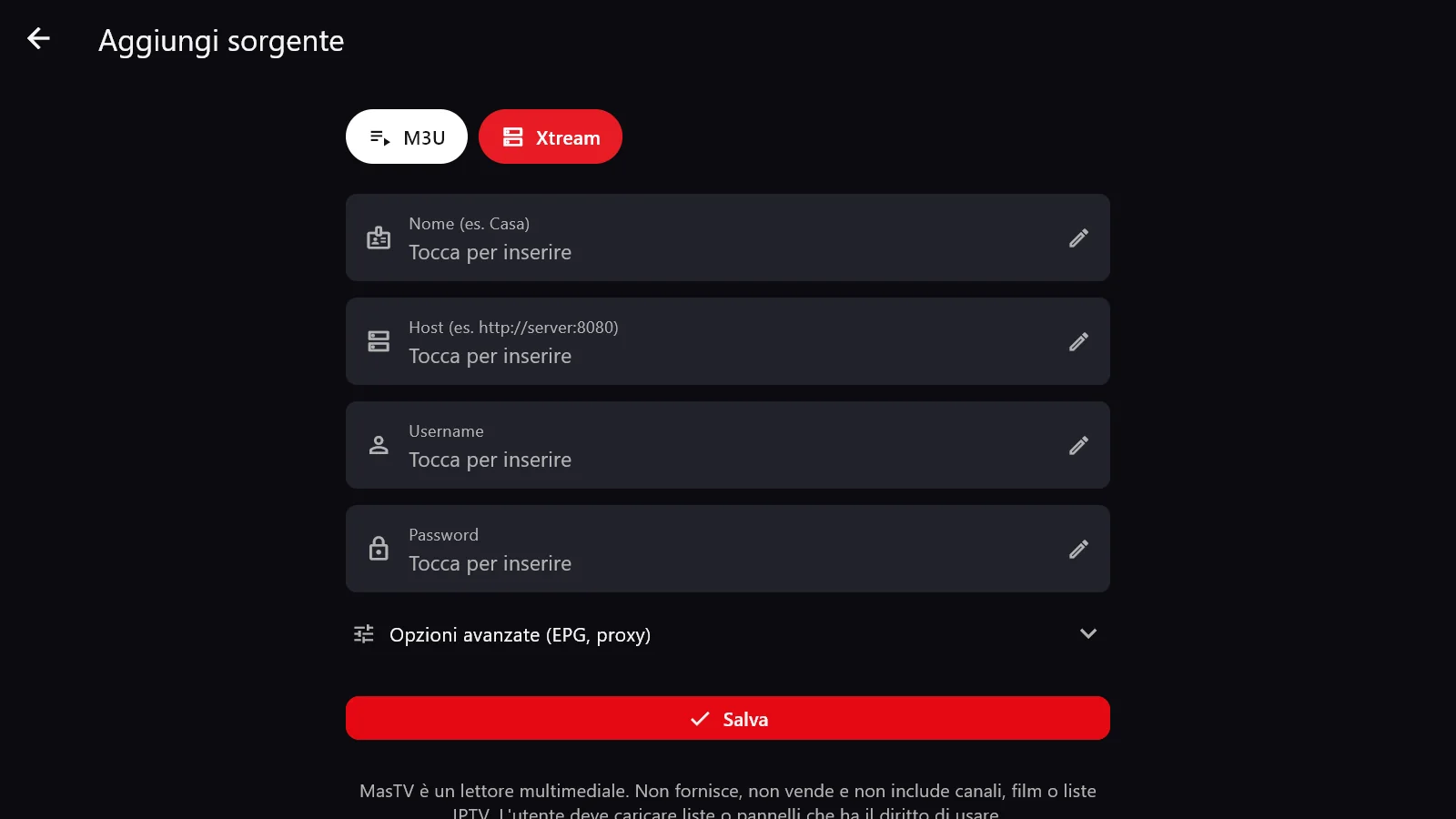
A source is added by picking the format, M3U playlist or Xtream panel, and filling in a few fields.
- 03
No content included
Below the form a notice explains that MasTV is a player: playlists and panels come from the user, who must have the right to use them.
download
Free · Pro coming soon
The free version has no ads and never expires. An optional Pro plan is in the works, with more playlists and sync across devices.
requirements
- system
- Fire TV with Fire OS, Android and Android TV, 64-bit Windows 10 or 11
- sources
- your own M3U/M3U8 playlists or Xtream Codes panels
- controls
- remote, touch, mouse and keyboard
- languages
- English, Italiano
privacy
Your playlists stay on your device.
- playlists and credentials
- On the device only, never synced
- in the cloud
- Favorites, Continue watching and the list of linked devices (name, type, last seen), on Supabase in the EU
- account
- Not needed to watch; with the optional Google sign-in your email is stored too
- ads and analytics
- None
Frequently asked questions
Does MasTV include channels or content?
No. MasTV is a player: it does not provide, sell or include channels, movies or playlists. You add your own playlists and panels, and you must have the right to use them.
Which sources can I use?
M3U or M3U8 playlists, from a link or a file, and Xtream Codes panels. The guide comes from an XMLTV EPG you enter or, with Xtream, straight from the panel.
Which devices does it run on?
Fire TV devices with Fire OS (for example Fire TV Stick 4K Max and Fire TV Cube), Android phones and TVs, and Windows 10 or 11 PCs. The newest Fire TV devices running Vega OS cannot install it.
How much does it cost?
The free version has no ads. An optional Pro plan is in the works, with more playlists and sync across devices; the player will stay complete in the free version too.
Which movies are shown in the images?
Open movies by the Blender Foundation (Big Buck Bunny, Sintel, Tears of Steel, Elephants Dream, Cosmos Laundromat, Sprite Fright), under the Creative Commons BY license; posters and images are by the Blender Foundation (blender.org). The channels are made up for the screenshots.
Something wrong with MasTV?
Every report gets read. Include the version and device if you can.